













How To Easily Make an Order by Yourself
If you know exactly which products you like and don’t want to waste a minute, the best way is to place the order yourself on our website. At Shopdaddy-Studio, we have made the ordering process as user-friendly as possible for self-service orders.
Let’s break down the process into several stages:
1. Navigation
First, for more convenient navigation on the site, use the menu to select the desired product category by type of sign information, navigation and others

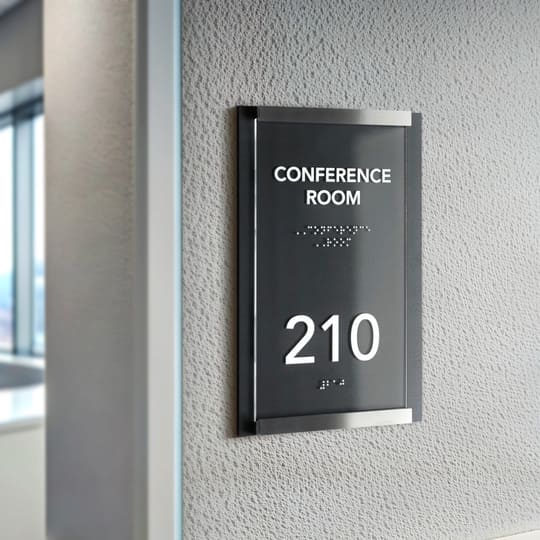
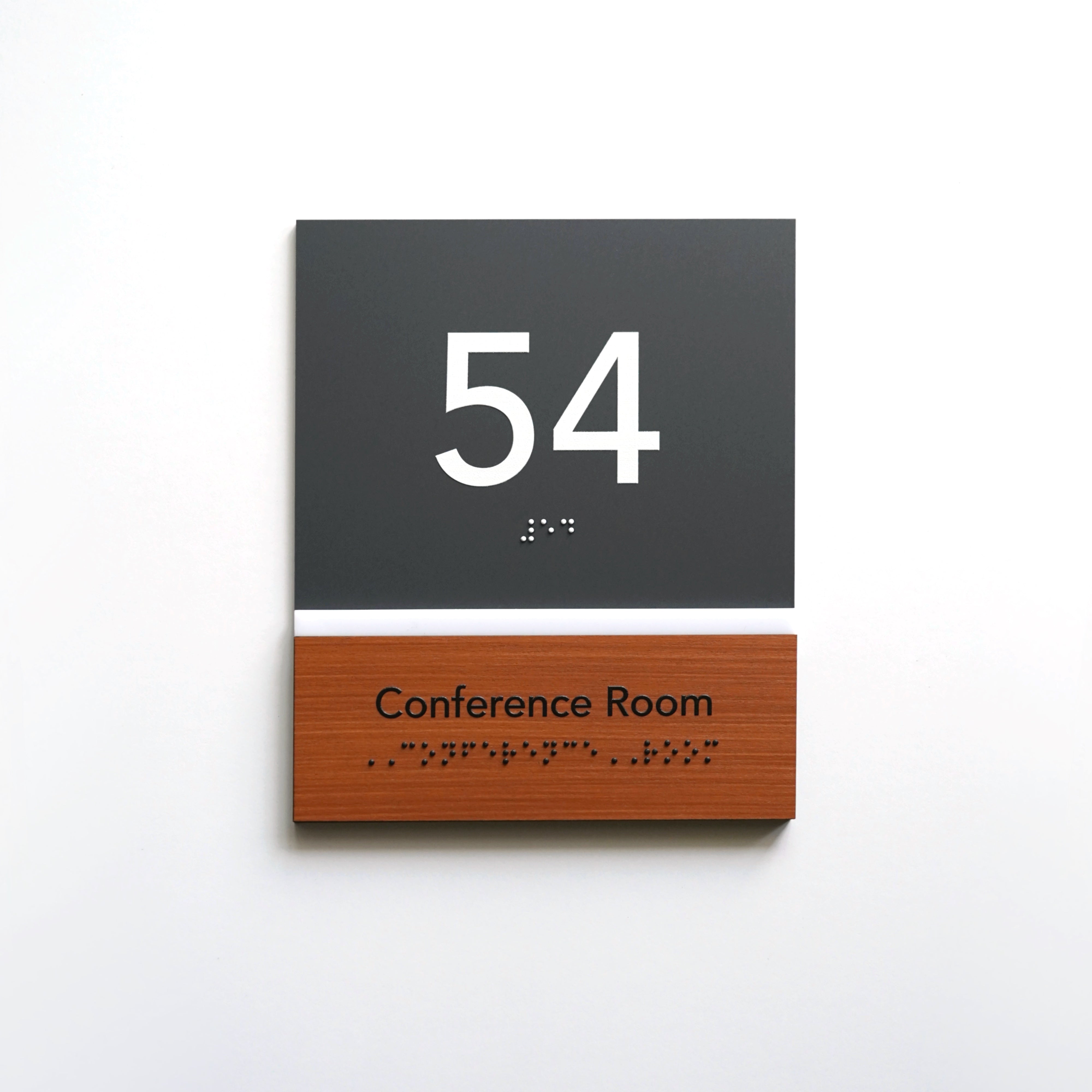
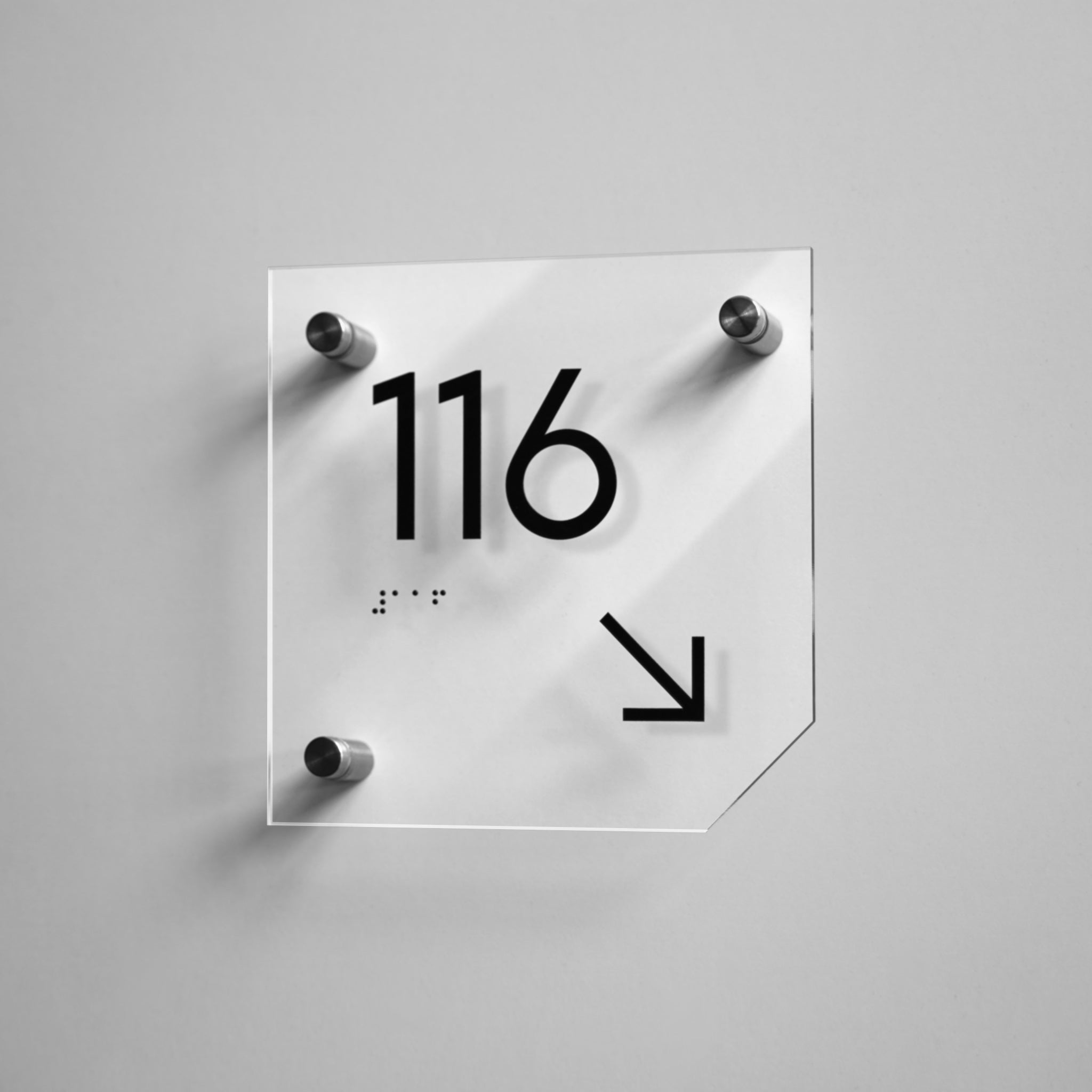
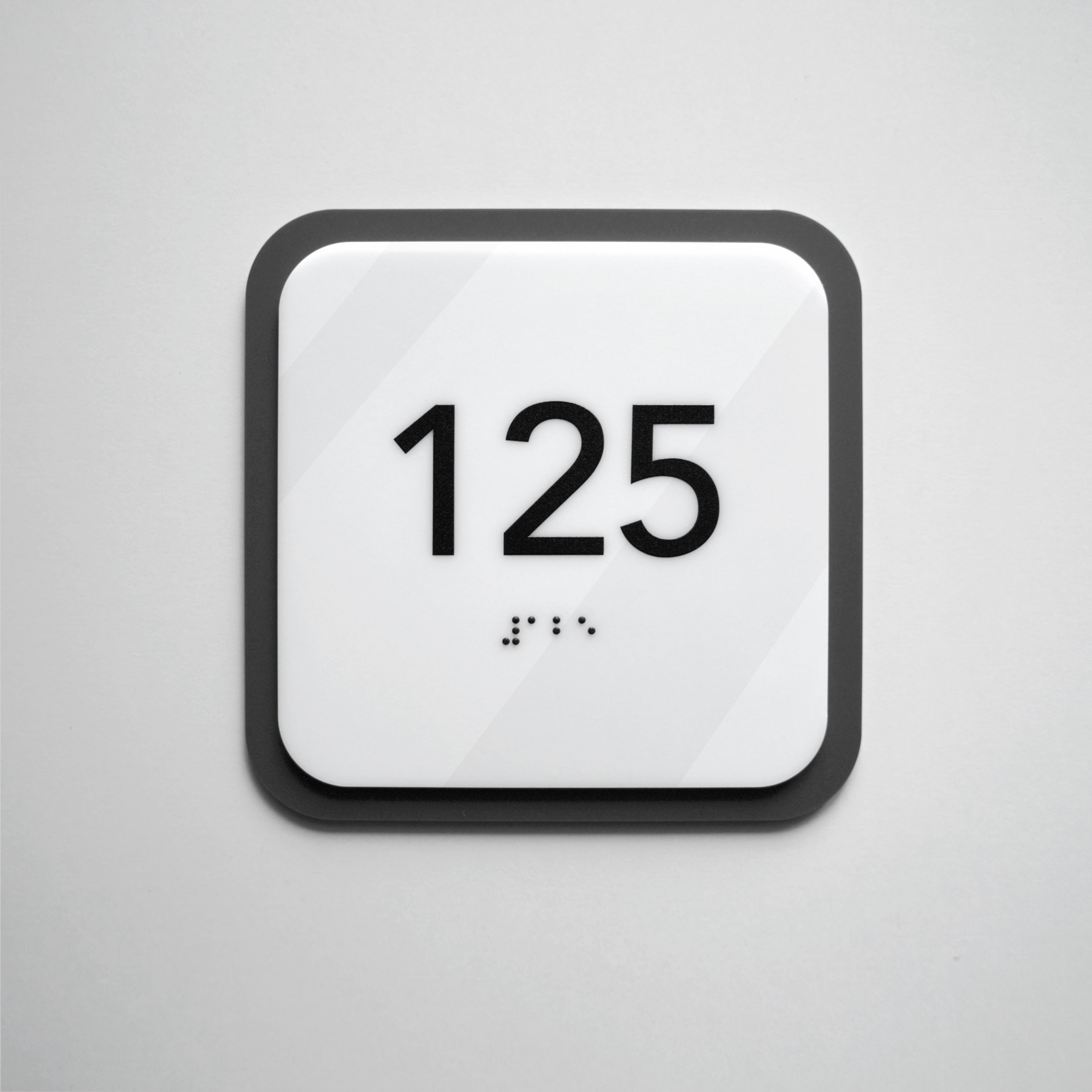
or Use the item in the Design menu and choose the design you like the most Each design has its own name and contains a variety of signs for its purpose

2. Filters
To find the perfect product faster, you can use filters on the collection pages. Filters allow you to refine your search and see only the products that meet your needs. They allow you to sort products by material, size and type of fastening, as well as by collection name.

3. Color
By clicking on the desired product, select the Color of the plate: in different products these are different materials
Stainless Steel Color
Acrylic Color
Wood Color

4. Size
Choose the size of the sign, but please note that for signs where the text is voluminous, a limited number of signs can fit in the smallest sizes or you can contact the manager who will help you choose the required size or make an individual size if it is not on the site.

5. Text
Enter the required text for the plate. You can enter the text for one plate or list it with commas and indicate the required quantity. Also at this stage you can choose whether you need Braille. Be careful when entering the text and if necessary, you can write to us in the notes that you want to approve the sketch before production.
6. Add to Cart
Next you need to click the add to cart button and the cart with your products will open
you may have noticed that we have an automatic discount system when ordering a larger number of plates, it will be applied at the cart stage and grouped with different products in the notes you can indicate your wishes.

7. Checkout
To complete the purchase, check your products and personalization
and fill in the Contact details, Delivery details and Delivery method (Standard or Express).
then choose a payment method and put Pay now
after you receipt mail with your order name and invoice
If you choose Bank transfer , pleathe after payments confirm us and sent Check
if you need any individual delivery conditions or faster production, you can return to the site and write to our manager by phone, email or WhatsApp
or fill in the custom request section


