

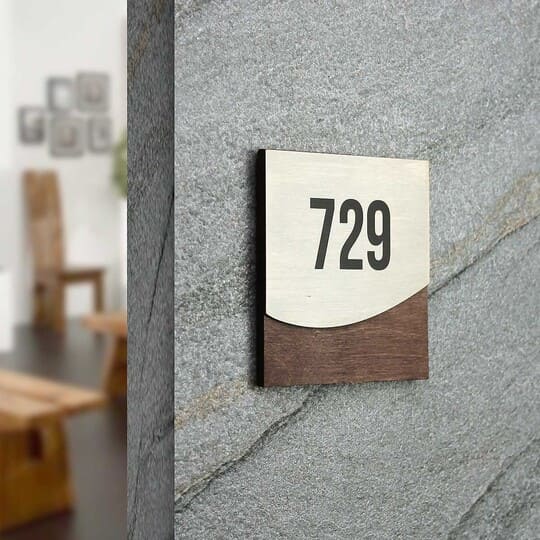
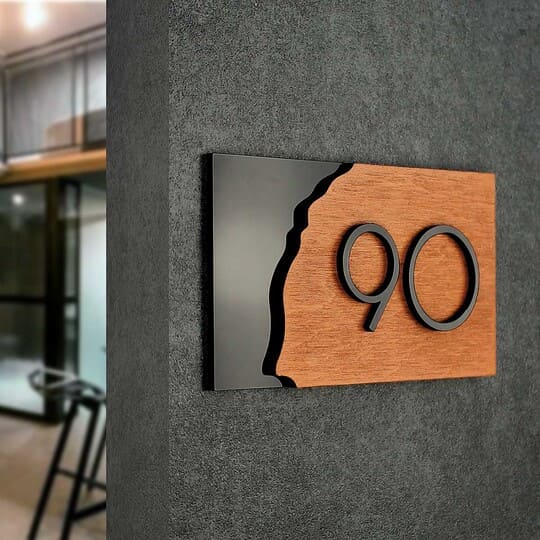
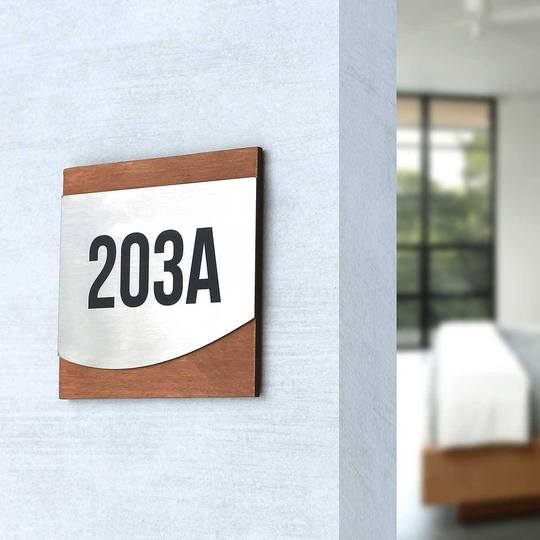


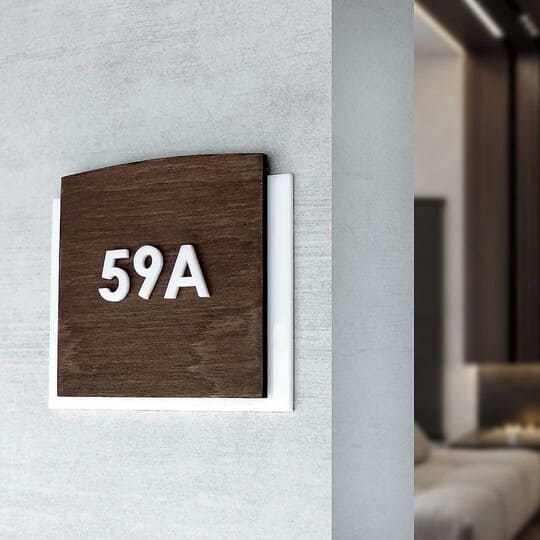







by Andrew Stychinskij
ADA Office Sign Requirements: Which Office Signs Must Comply and What They Need
Under the 2010 ADA Standards for Accessible Design, office signs that identify permanent rooms and spaces must provide raised characters and contracted (Grade 2) Braille, where provided, and meet applicable visual requirements. Tactile characters are mounted 48–60 inches above the floor, generally at the latch side of the door. Directional and informational signs follow visual requirements only, while occupant names and company logos are exempt.

An office sign order includes room numbers, department names, employee names, and directions. Those details can share a design, but they don't all follow the same rules under the Americans with Disabilities Act (ADA). Commercial materials often use "ADA sign" too broadly, so Braille gets added where it isn't needed or left off where it is required. For facility managers, office managers, architects, designers, and tenants planning a build-out, the first step is deciding what each line of text does. This guide explains which office signs fall under the Standards, what permanent room identification signs need, what applies to directional and informational signs, how common office rooms are treated, how to prepare a coordinated order, and which mistakes to avoid.
Which office signs must meet ADA requirements
The 2010 ADA Standards do not require an office to install signs naming or numbering every room. Where signs identifying permanent rooms and spaces are provided, they must meet the applicable tactile and visual requirements of §703 (§216.2).
The U.S. Access Board, Guide to the ADA Standards: Signs explains the distinction between three categories:
- Permanent room identification: Under §216.2, room numbers and fixed room names require tactile and visual information.
- Directional and informational content: Under §216.3, directions, operating hours, and instructions require visual compliance, without raised characters or Braille.
- Exempt content: Under §216.1, occupant names, company names and logos, building directories, building addresses, and temporary signs displayed for seven days or less are exempt from the sign requirements.
One panel can contain all three. In the Access Board's example, 403 is the tactile and visual room designation, Accounting is visual information, and Jill Smith, Director, is exempt occupant information. A department name's treatment depends on its role: supplemental information and a permanent room designation are different uses.
The Access Board describes permanent designations as unlikely to change over time or without significant alterations. For more examples, see which rooms require ADA signs.
Exit and elevator labels have separate provisions, covered in the ADA-compliant door signs guide. This article addresses federal ADA Standards; state and local codes may add requirements. It is practical guidance, not legal advice.
What the ADA requires on a permanent room identification sign
A room identification sign covered by §216.2 must provide raised characters, Braille, and applicable visual information. Under §703.1, tactile and visual information may share one sign or appear on separate signs.
Review four components together:
- Raised characters: Room text readable by touch, specified under §703.2.
- Braille: The corresponding room designation, specified under §703.3.
- Visual information: Characters and background meeting the applicable provisions of §703.5.
- Installation: Height, location, and clear floor space meeting §703.4.
On a combined sign, the raised characters must also meet the applicable visual finish and contrast requirements. The Access Board explains that a separate tactile sign paired with compliant visual information is exempt from finish and contrast requirements; a smaller minimum raised character height is also permitted.
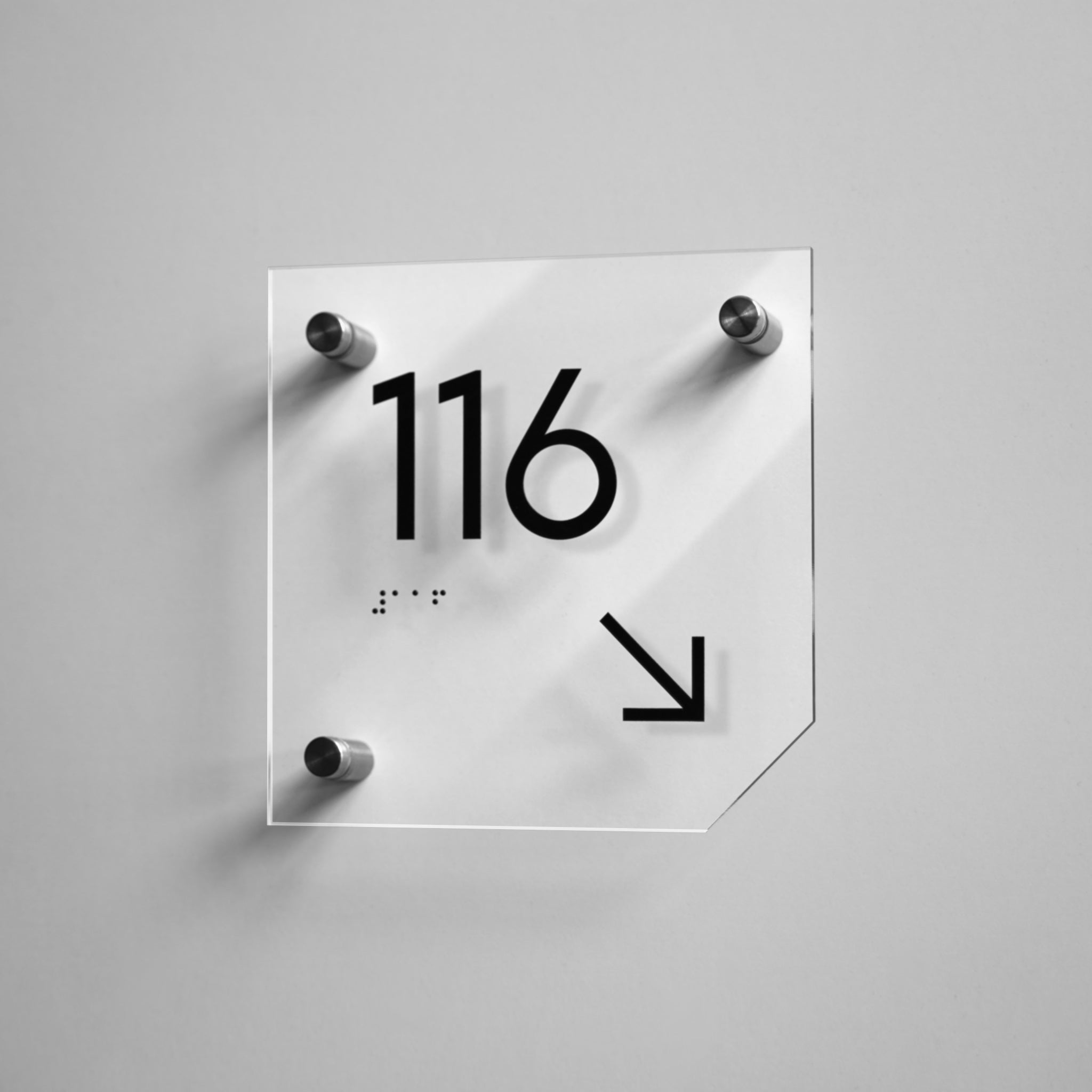
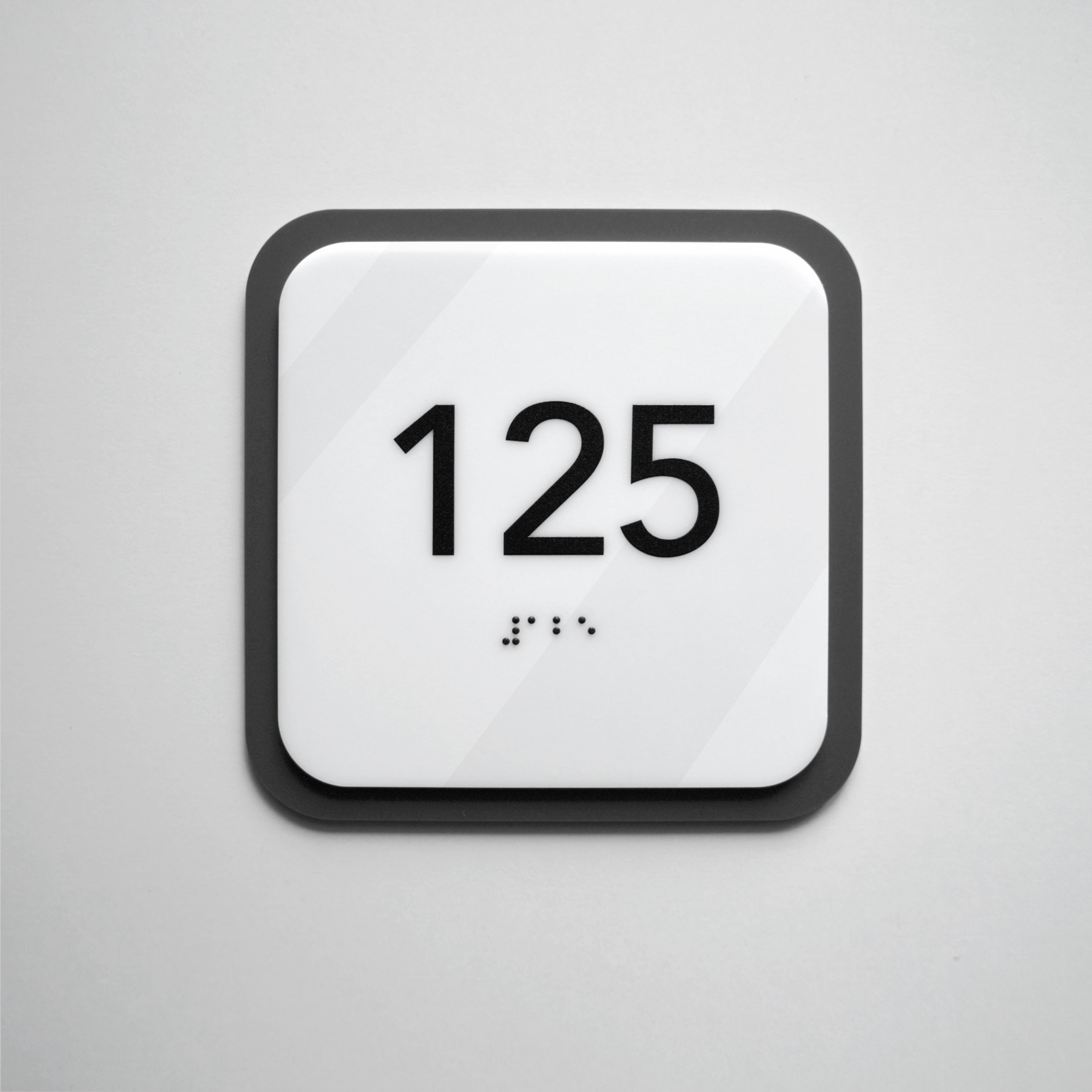
When selecting Braille office signs, review the layout and installation together. Correct Braille alone cannot make an incorrectly mounted sign compliant.
Raised character requirements for office signs
Raised characters must project at least 1/32 inch above the background under §703.2.1. Decorative raised lettering still has to meet the character specifications in §703.2.
- Case and style: §703.2.2 requires uppercase characters. §703.2.3 requires sans serif lettering and excludes italic, oblique, script, highly decorative, and unusual forms.
- Height: §703.2.5 generally requires characters between 5/8 inch and 2 inches high, measured from the baseline using the uppercase "I". The exception permits a ½-inch minimum when separate compliant visual characters convey the same information.
- Proportions: §703.2.4 requires the uppercase “O” width to be 55–110% of the uppercase "I" height. §703.2.6 limits the "I" stroke thickness to 15% of character height.
- Spacing: §703.2.7 sets character spacing according to the character cross section. §703.2.7 also requires at least 3/8 inch between raised characters and raised borders or decorative elements.
Advisory 703.2 recommends avoiding sharp or abrasive edges on signs read by touch; it is a recommendation, not a mandatory character dimension.
Braille requirements for office signs
Braille office signs subject to §703.3 must use contracted (Grade 2) Braille. Under §703.3.1, Braille dots must be domed or rounded. Braille is not required on directional and informational signs (§216.3) or on content exempt under §216.1.
- Grade 2: Contracted Braille uses contractions for certain words and letter combinations. The U.S. Access Board accepts Unified English Braille (UEB) as Grade 2 Braille under the Standards.
- Position: §703.3.2 requires Braille below the corresponding text, or below the entire text when it spans multiple lines, with at least 3/8 inch of separation from other tactile characters. §703.3.2 also sets a separate minimum clearance of 3/8 inch between Braille and raised borders or decorative elements.
- Capitalization: §703.3.1 limits capital indicators to the first word of sentences, proper nouns and names, individual letters, initials, and acronyms. Uppercase raised lettering does not mean every Braille word gets a capital indicator.
The Braille should convey the room designation it accompanies. If a room name changes, review both the raised text and Braille. For the broader distinction between sign types, see when Braille is required for ADA signage.
Visual requirements: contrast, finish, and pictograms
Under §703.5.1, visual characters and their background must have a non-glare finish. That section requires light characters on a dark background or dark characters on a light background, without specifying colors or a minimum contrast percentage.
- Combined tactile and visual signs: Under the §703.5 exception, characters meeting §703.2 and accompanied by compliant Braille need not meet §703.5.2–§703.5.9.
- Separate visual information: §703.5.2–§703.5.9 require conventional letterforms, applicable character proportions and spacing, and character height based on viewing distance. Visual characters must also be at least 40 inches above the finish floor or ground.
The Access Board explains that finish and contrast requirements do not apply to Braille. The ADA sign compliance checklist covers visual specifications in more detail.
For a pictogram identifying a permanent room, §703.6.1 requires a field at least 6 inches high, free of text and Braille. §703.6.2 requires a contrasting pictogram and non-glare finishes. Under §703.6.3, the tactile text descriptor belongs directly below the field. The Access Board explains that the pictogram itself need not be raised and that informational pictograms and accessibility symbols do not require this field or tactile descriptor.
Mounting height and placement at office doors
Under §703.4.1, tactile characters must be at least 48 inches above the finish floor or ground, measured to the baseline of the lowest tactile character, and no more than 60 inches above it, measured to the baseline of the highest tactile character. At a single door, §703.4.2 places the sign on the wall alongside the door at the latch side.
- Measure to the character baselines, not to the panel's center or edges (§703.4.1).
- If latch-side wall space is unavailable, §703.4.2 directs placement to the nearest adjacent wall.
- §703.4.2 requires clear floor space of at least 18 × 18 inches, centered on the tactile characters and located beyond the door's swing from closed to 45° open.
- The §703.4.2 exception permits tactile signs on the push side of doors with closers and no hold-open devices.
See ADA sign mounting height and placement requirements for other door configurations.
Examples: ADA treatment of common office rooms and signs
In public and common-use areas of an office, signs identifying permanent rooms and spaces, such as conference rooms, restrooms, break rooms, and utility rooms, must meet the tactile requirements of §216.2 where such signs are provided. Employee work areas have separate scoping under §203.9, so private offices, open-plan workspaces, and cubicles need a project-specific review.

Room identification signs in an office: examples
Table 1. ADA treatment of common office signs
| Office sign / content | Example wording | ADA treatment | What to check |
|---|---|---|---|
| Room number or name | 204; CONFERENCE ROOM 2B | Tactile and visual; §216.2 | Match the permanent designation to the floor plan. |
| Department information | ACCOUNTING; HR | Visual if informational; tactile and visual if the permanent designation | Identify the function of this line. Do not add Braille to informational lines by default. |
| Occupant name and title | Jill Smith, Director | Exempt; §216.1 | Consider a replaceable insert. |
| Restroom | RESTROOM; MEN; WOMEN; ALL GENDER RESTROOM | Tactile and visual; §216.2 | Check §703.6 if using a room pictogram. ADA requirements for toilet rooms fall outside this article. |
| Break room / kitchen | BREAK ROOM; KITCHEN | Permanent designation; §216.2 | Treat posted rules as informational content. |
| Utility / storage room | ELECTRICAL; MECHANICAL; STORAGE 1 | Permanent designation where §216.2 applies | Confirm project scoping and the primary designation. Secondary custodial numbers may be visual-only if the main designation is tactile. |
| Lobby directory | Suite 300 — Acme Legal | Directory exempt; §216.1 | A separate room-name sign is treated differently. |
| Reception / lobby room-name sign | RECEPTION; LOBBY | Permanent designation at the door; §216.2 | Keep the room-name sign separate from the building directory. |
| Directions | ← RESTROOMS | Visual only; §216.3 | Check readability at the viewing distance. |
| Instructions | VISITORS MUST SIGN IN | Visual only; §216.3 | Check applicable §703.5 requirements. Do not add Braille to satisfy a rule that does not exist. |
| Company name / logo | Acme Inc. | Exempt; §216.1 | Keep the room designation clear. |
| Temporary notice | MEETING IN PROGRESS | Exempt for seven days or less; §216.1 | A permanent informational plaque is different. |
An employee work area is a space used only by employees and only for work. The §203.9 limitation should not be applied as a blanket exemption to public or common-use areas of an office, so check the conditions of each project.
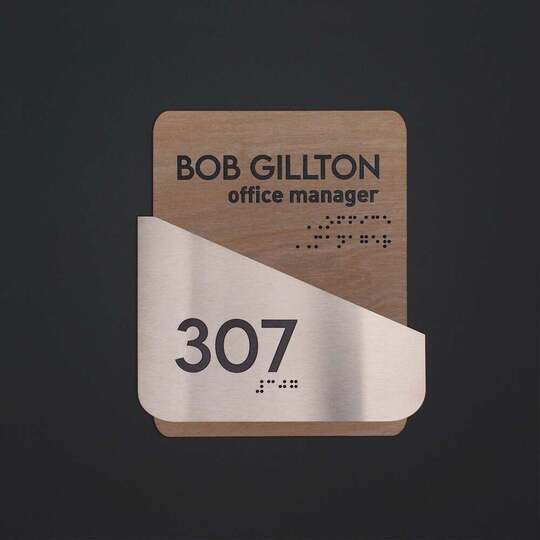
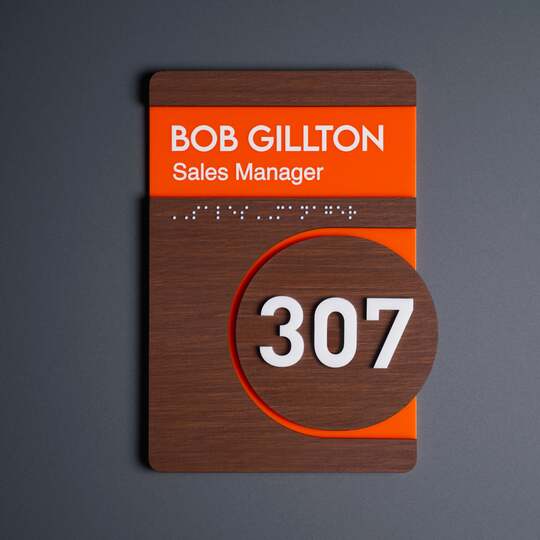
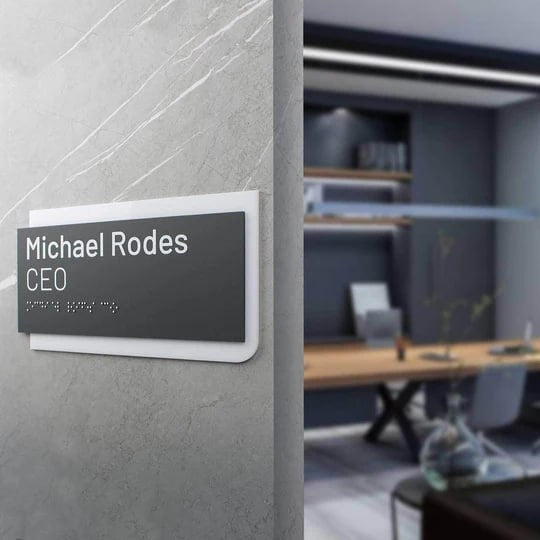
For office door signs, a practical approach is to keep permanent room information separate from replaceable employee names. Staff changes can then be handled without replacing the tactile room designation. A conference room identified as such is a permanent designation, while a temporary "MEETING IN PROGRESS" notice is treated differently.
How to plan and order a consistent ADA office sign package
Start with a room list, finalize the wording, classify each sign, and confirm installation conditions before production.
- List the rooms. Mark permanent designations and areas needing a scoping review.
- Confirm names and numbers. Reconcile the list with the floor plan and directory.
- Assign sign types. Separate room identification, directions, instructions, and name inserts.
- Set the design. Coordinate materials, colors, and layouts across the package.
- Check each location. Record wall surfaces, latch sides, door swings, and available space.
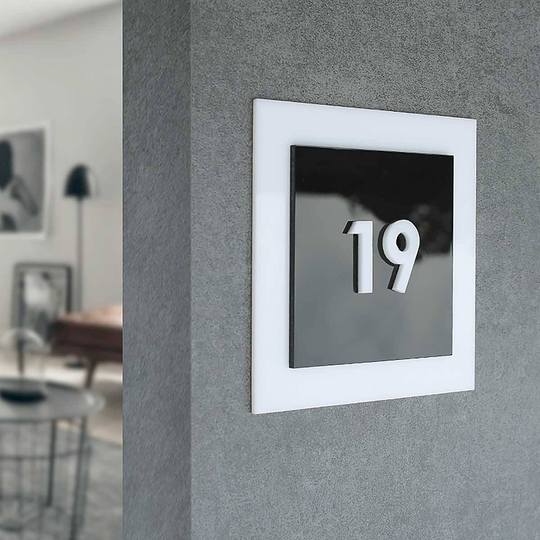
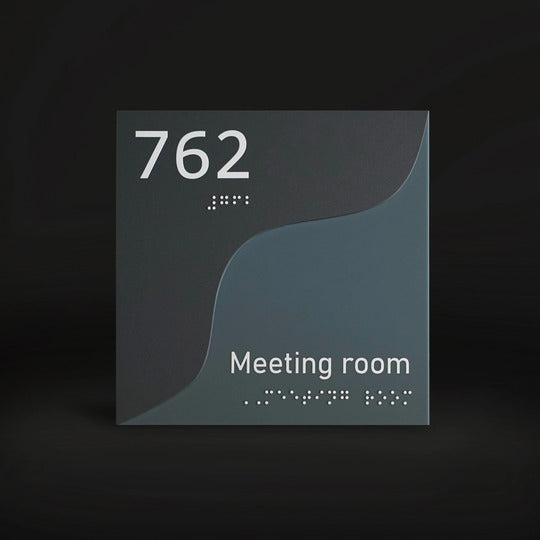
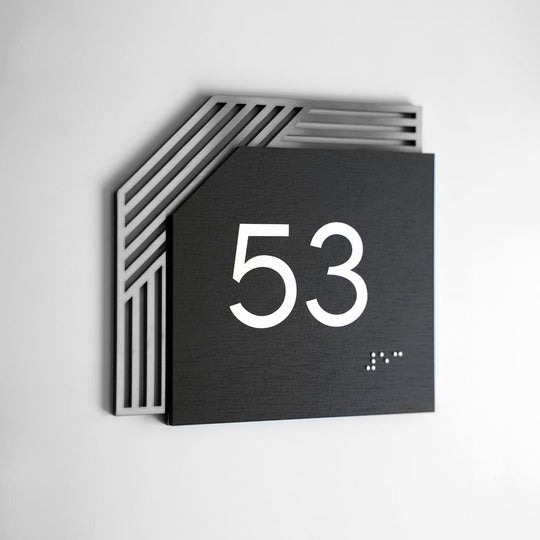
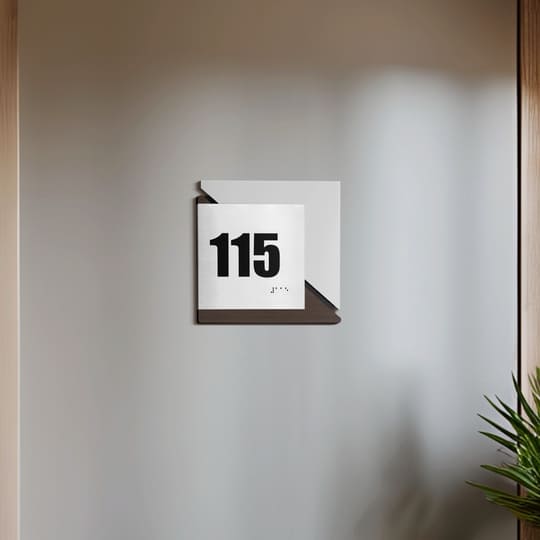
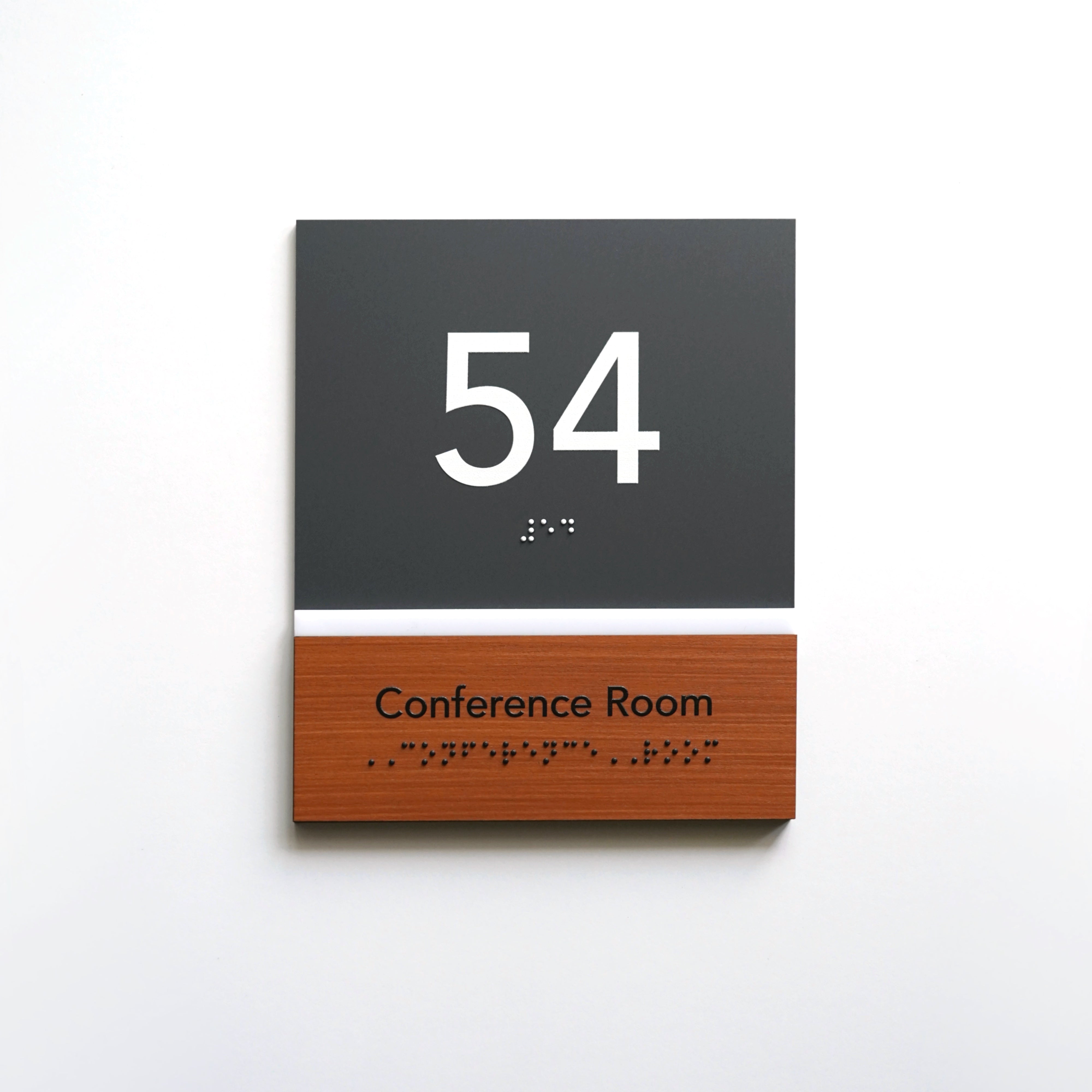
The Standards do not prescribe specific materials, colors, or an overall panel size; see door sign and door number sizes for sizing guidance. Custom ADA office signs can reflect your brand while meeting the applicable technical requirements. BSign Store produces signs in-house using acrylic, wood, stainless steel, and combinations of those materials. Placing occupant names on separate plates or inserts keeps staff changes from affecting the tactile room designation.
A coordinated design makes signs easier to recognize throughout the office; see office door signs and navigation.

Use this checklist when preparing an office sign order. Federal requirements reference the 2010 ADA Standards; recommendations and BSign practice are marked separately.
Table 2. ADA office sign order checklist
| Item | What to check | Status / source |
|---|---|---|
| Sign class | Permanent designation, visual information, or exempt content | Federal scoping: §216.1–§216.3 |
| Raised characters | Minimum 1/32-inch relief; uppercase, sans serif; 5/8–2-inch height, or ½-inch minimum with separate compliant visual text | Federal requirement: §703.2 |
| Braille | Grade 2; domed or rounded dots; below text; minimum 3/8-inch clearance from other tactile characters and from raised borders | Federal requirement: §703.3 |
| Visual finish and contrast | Non-glare; light-on-dark or dark-on-light; no percentage specified. Finish and contrast do not apply to Braille or to a separate tactile sign paired with a compliant visual sign | Federal requirement: §703.5.1; Access Board guidance |
| Room pictogram | Minimum 6-inch-high field without text or Braille; tactile descriptor below | Federal requirement: §703.6 |
| Mounting | Lowest tactile baseline at least 48 inches; highest no more than 60 inches above finish floor; latch-side location and required clear floor space | Federal requirement: §703.4 |
| Visual-only signs | Viewing-distance-based character height; at least 40 inches above finish floor | Federal requirement: §703.5 |
| Edges | Avoid sharp or abrasive edges | Recommendation: Advisory 703.2 |
| Consistency | Consistent character style, sizing approach, materials, and visual system across the office | Recommendation (industry practice; not a federal criterion) |
| Exempt content | Employee names/titles and logos on a separate sign or insert | Recommendation based on §216.1 exceptions |
| Room list and wording | Final designations confirmed against floor plan and directory | BSign practice (pre-production step) |
| Mockup approval | Layout of each sign type approved before production | BSign practice |
| Materials | Acrylic, wood, stainless steel, or combinations; finish specified as non-glare | BSign practice |
Planning signs for a new or reconfigured office? Send us your room list, including names or numbers, sign types, material and design preferences, and notes on door and wall conditions. BSign can prepare a coordinated sign package with a mockup for approval before production.
Common ADA office signage mistakes
Common ADA office signage mistakes include adding Braille to exempt content, omitting it from permanent room signs, applying tactile rules to directional signs, and measuring mounting height from the wrong point. Each item below pairs the myth with what the Standards say.
- "Every sign needs Braille." §216.1 exempts occupant names and logos from the sign requirements.
- "A permanent room sign can skip Braille, or Grade 1 is fine." §216.2 requires Braille on permanent room signs, and §703.3 requires it to be contracted Grade 2 Braille.
- "Directional signs must be tactile." §216.3 requires directional and informational signs to meet visual requirements only.
- "Measure the panel center." §703.4.1 uses tactile character baselines.
- "Either side of the door works." §703.4.2 specifies the latch side and clear floor space relative to the door swing.
- "ADA requires 70% contrast." §703.5.1 specifies light-on-dark or dark-on-light contrast, without a percentage.
- "Contrasting colors make a glossy sign acceptable." §703.5.1 also requires non-glare visual characters and backgrounds.
- "IBC or state code rules are ADA rules." The 2010 ADA Standards are a federal document; IBC, ICC A117.1, and state codes may add requirements, so keep them separate.
- "Matching signs are a federal requirement." Consistency is a useful design practice, not a separate ADA criterion.
FAQ
Which office signs are required to be ADA compliant?
The Standards do not require signs naming or numbering every office room. Where an office provides signs identifying permanent rooms and spaces, those signs must meet tactile and visual requirements. Under §216.3, directional and informational signs follow visual requirements. Occupant names and company logos are exempt under §216.1.
Does every office door sign need Braille?
No. For ordinary office door signs covered by §216.2, Braille accompanies the permanent room designation. Under §216.1, employee names, company logos, directories, and temporary signs displayed for seven days or less are exempt. Under §216.3, directions and instructions require visual compliance without Braille.
Is a conference room a permanent room under the ADA?
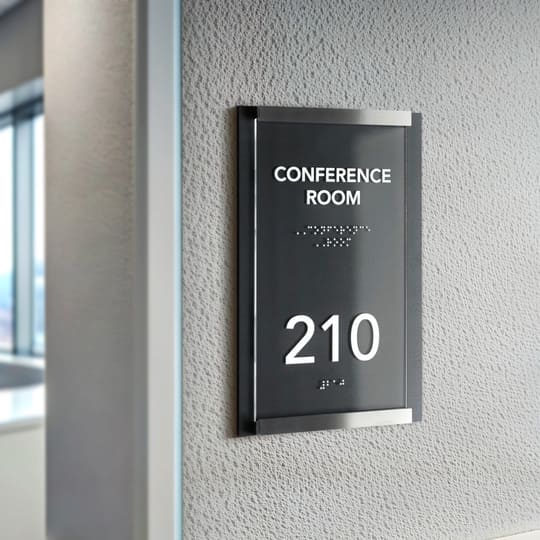
Yes. The U.S. Access Board includes conference rooms among its examples of permanent rooms and spaces. Where a sign identifies a conference room, it must meet the applicable tactile and visual requirements. A temporary "MEETING IN PROGRESS" notice displayed for seven days or less is exempt under §216.1.
Do employee name plates need to be ADA compliant?
Occupant names and titles are exempt from the sign requirements under §216.1. A practical arrangement is to place an employee's name on a separate plate or interchangeable insert. Keep the permanent room number or name on the room identification sign so personnel changes do not affect it.
What contrast and finish do ADA office signs require?
Under §703.5.1, visual characters and backgrounds need non-glare finishes and light-on-dark or dark-on-light contrast. The Standards specify no contrast percentage or required colors. The Access Board explains that finish and contrast requirements do not apply to Braille or to separate tactile content paired with compliant visual information.
How high should ADA office signs be mounted?
Under §703.4.1, measure from the finish floor to the tactile character baselines: at least 48 inches to the lowest and no more than 60 inches to the highest. Under §703.4.2, single-door signs generally belong on the latch side, with at least 18 × 18 inches of clear floor space beyond the closed-to-45° door swing.
Can ADA office signs match our brand and materials?
Yes. The Standards do not prescribe specific colors, materials, or an overall sign panel size. Acrylic, wood, and stainless steel can work when the finished sign meets the applicable requirements for raised characters, Braille, visual finish and contrast, pictograms, and mounting. Review the complete design before production.
Do directional signs in an office need raised letters and Braille?
No. Under §216.3, office directional signs must meet applicable visual requirements in §703.5. Visual requirements include finish, contrast, letterform, and character size based on viewing distance. Visual characters must also be at least 40 inches above the finish floor or ground.


