




by Andrew Stychinskij
Wayfinding and Coworking Space Signage: Managing High Turnover in Flexible Offices
Wayfinding in a coworking environment is a system of signs and markers that helps people find the right areas quickly and move without delays. This system includes door signs, directional markers, zone labeling and changeable door signs designed for flexible offices.
Well‑designed office door signage for flexible and shared offices establish a clear navigation logic: people don’t waste time asking for directions, guessing room locations, or relying on staff assistance. The space works smoothly, without requiring additional explanation. Solutions for coworking wayfinding must be designed as part of the operational infrastructure, not as mere decoration.
Modern signage for shared offices serves a dual purpose. It guides movement and reinforces the environment’s style. That means every element has a defined place, size and purpose within the overall system. Visual logic becomes predictable: once a person understands the rule in one area, they can apply it elsewhere.
For that reason, flexible workspace signage is designed as part of a unified system. It follows uniform rules — consistent margins, proportions, materials and mounting methods. This creates a sense of consistency and clarity even when the layout changes.
When the system is well thought out, users move through the space without stopping. Routes are clear before users need to stop and look for directions. As a result, navigation no longer feels like a separate task and becomes part of the overall experience. A clear workspace navigation system reduces interruptions and speeds up adaptation for new users.
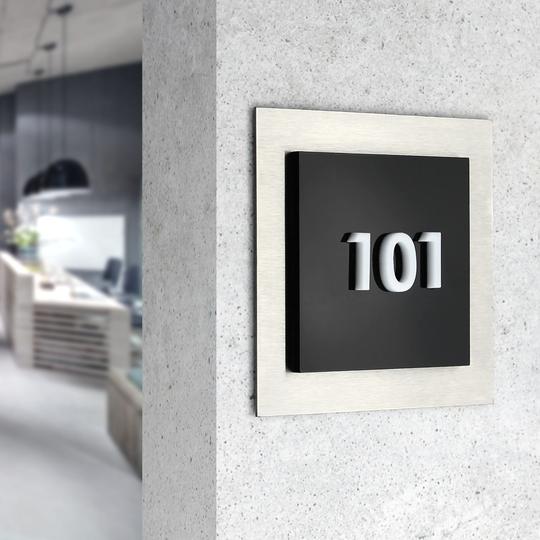
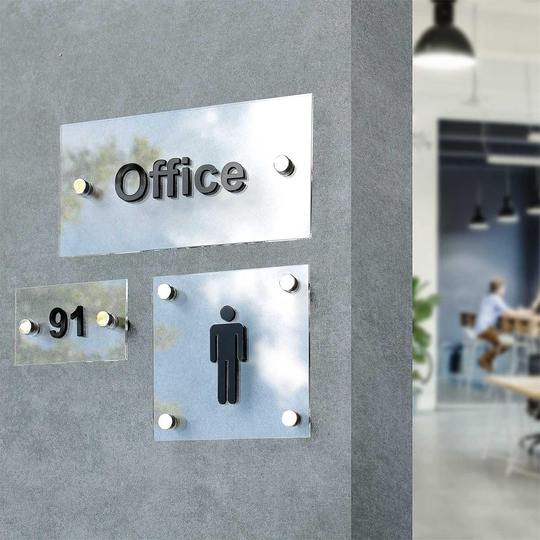
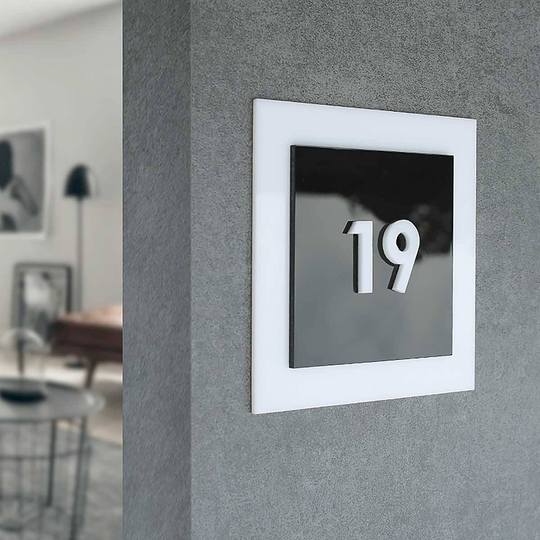
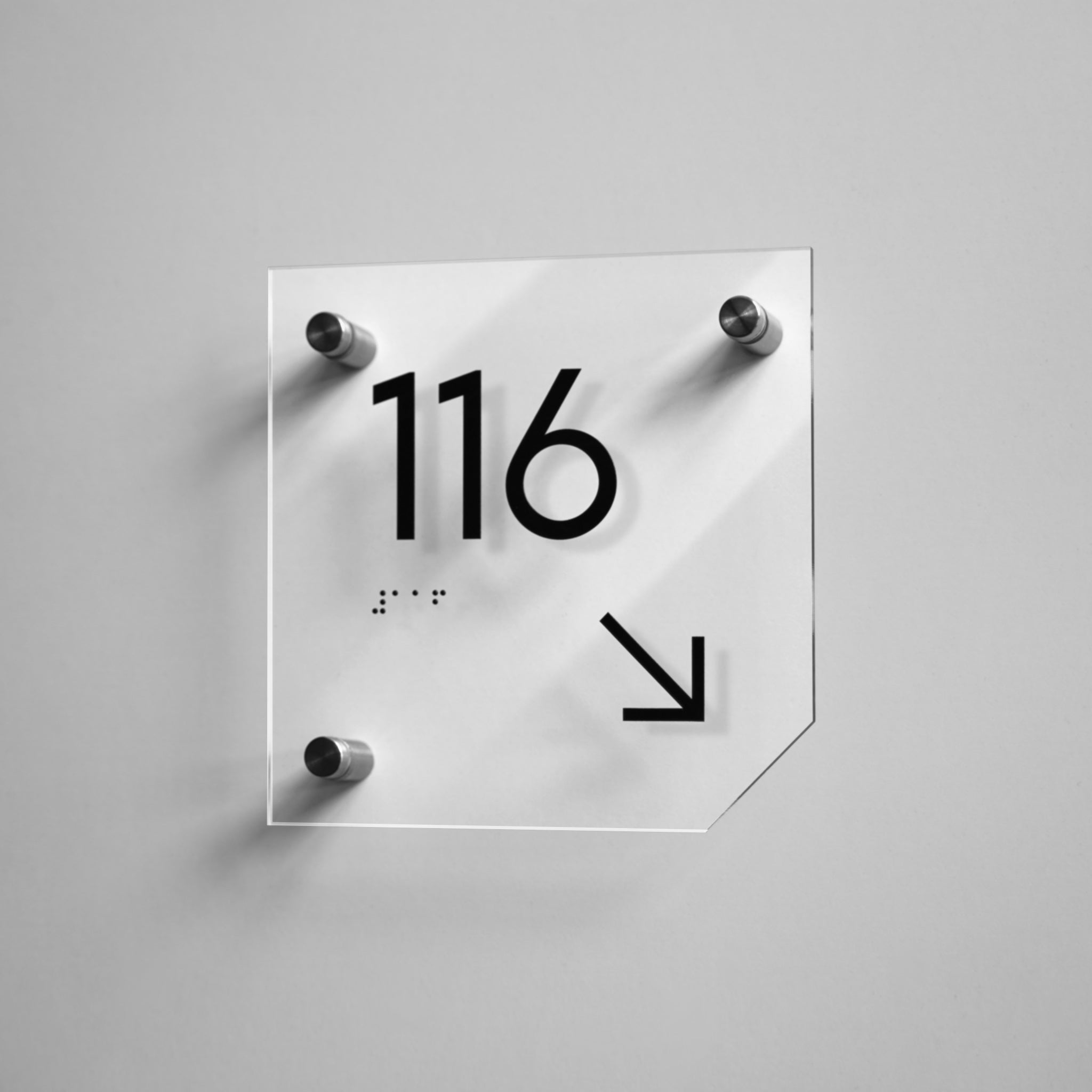
Example of minimalist acrylic signs from the Simple collection that provide clear coworking space navigation and fast information reading:

Why Flexible Coworking Spaces Require Structured Wayfinding Signage
Flexible office layout signage follows a cause‑and‑effect chain. High turnover and rotating teams lead to confusion. Confusion causes delays. Delays reduce efficiency. Add to that the lack of familiarity with the space: people come for a few hours or days and don’t have time to learn the layout.
Under these conditions even simple tasks take longer: finding a meeting room, identifying the right zone, and orienting themselves after entering. If the system doesn’t offer cues, users ask for help or act by trial and error. That adds load to staff and disrupts the work rhythm.
Coworking signage solves this through structure. It establishes a clear navigation logic without staff explanations. A person enters the space and immediately knows where to go. Crucially, this logic repeats across zones, so it doesn’t need to be relearned.
The system guides users through a sequence of visual cues from the entrance to their destination. Each element supports the previous one and reinforces the next. This removes unnecessary stops and uncertainty during movement.
A clearly defined coworking navigation system significantly reduces the number of questions directed to administration and speeds up onboarding for new users.
The space remains easy to navigate and efficient even with high user turnover. This means that regardless of how many new people arrive, processes remain predictable and under control. That’s how an effective navigation system works — it supports smooth movement throughout the space.
Key Navigation Challenges in Co-Working Spaces and Shared Offices
Coworking office navigation becomes complicated for several reasons:
-
• a shared workspace with constantly changing users;
-
• hot desks that aren’t assigned to a specific person;
-
• rotating teams and short‑term rentals;
-
• flexible workspace zoning;
-
• temporary users who don’t know the layout.
All these factors create an unstable environment without familiar landmarks. People don’t learn the layout because they only use the space briefly. As a result, visitor navigation suffers, especially for first‑time guests.
Signage for shared offices must account for these conditions. Without it, workspace orientation becomes chaotic: people spend time searching for rooms, stop in corridors, backtrack, or ask staff for directions. That adds workload to the team and disrupts the overall work rhythm.
Besides, the absence of a clear system also leads to misuse of space: booked meeting rooms that appear unavailable, mixed‑up zones, or wrong route choices. All of this directly affects overall productivity and the perception of the location as either convenient or difficult to work in.
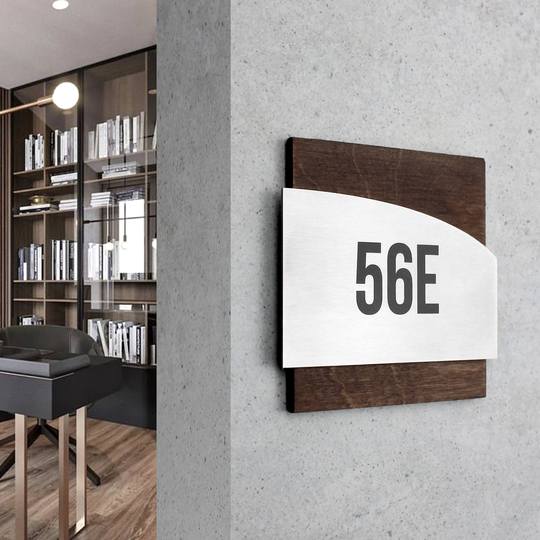
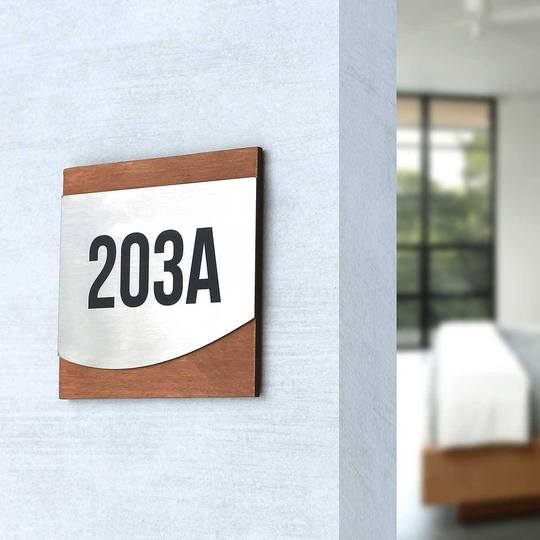
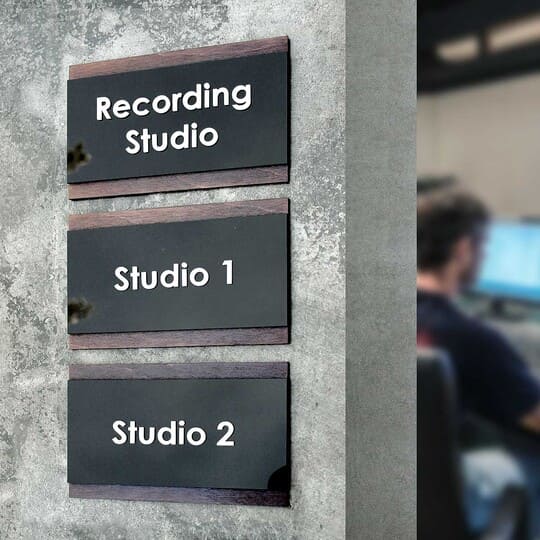
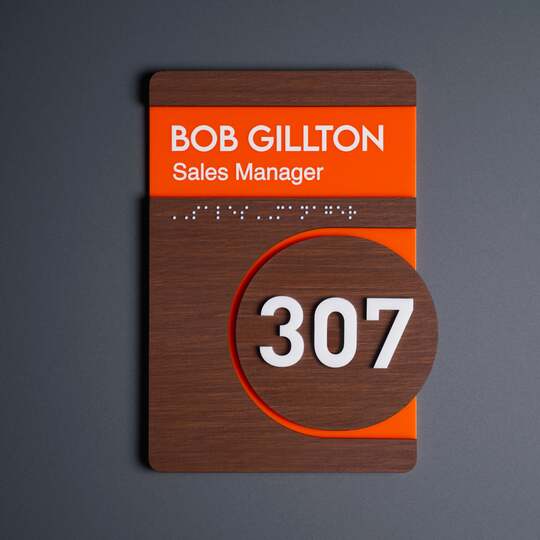
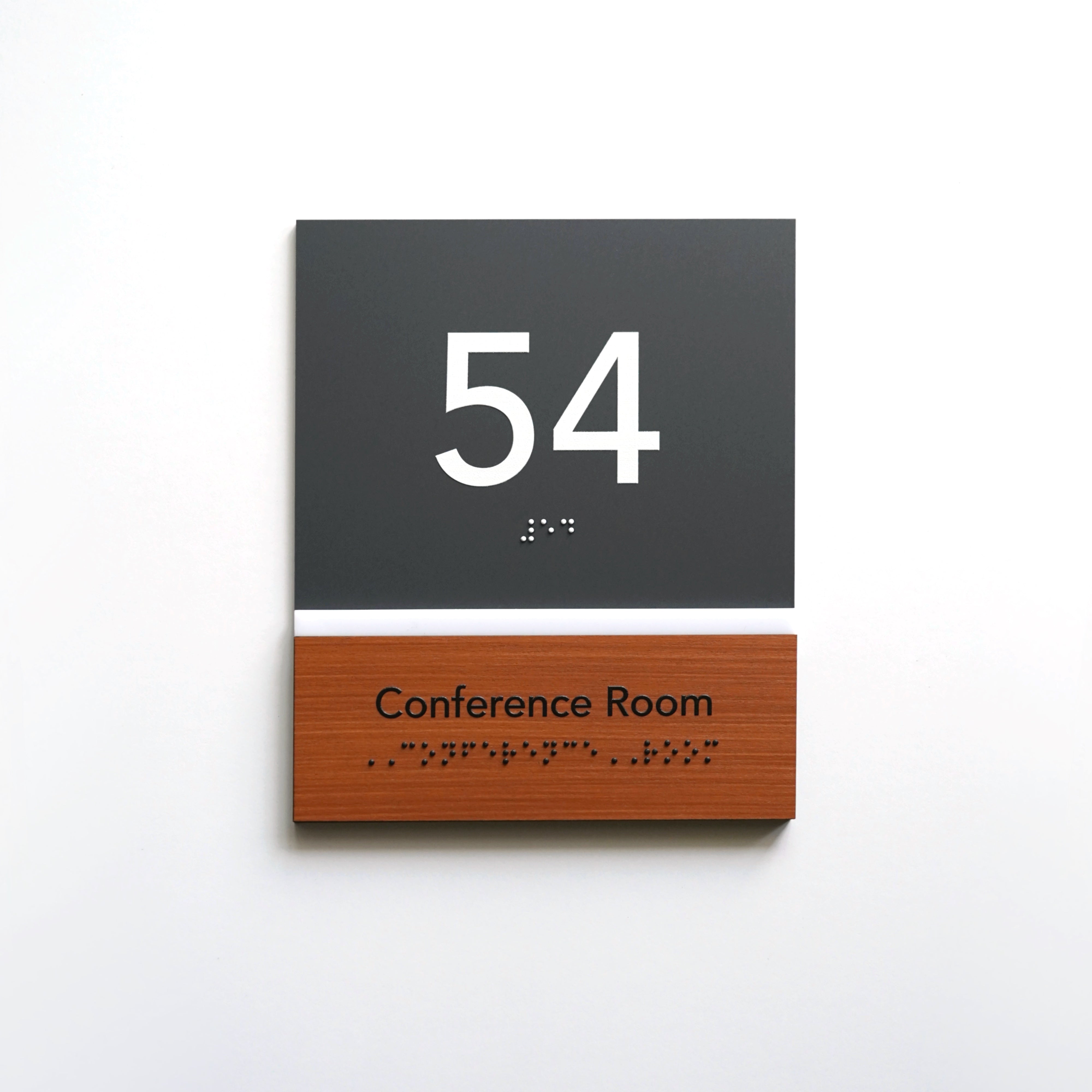
Example of wooden wayfinding signs from the Sherwood collection that strengthen visitor orientation in flexible office spaces:

Essential Types of Coworking Plaques for Flexible Workspaces
Wayfinding signage for coworking spaces forms a layered system; each type serves a specific purpose.
Meeting Room Signage for Shared Offices
Office directory signs are used to clearly identify rooms and provide booking clarity. These signs typically display room names or numbers and may include dynamic elements for scheduling updates and preventing conflicts.
Desk Signage for Flexible Workspaces
Business signs for offices and shared workspaces are used in areas with fixed or semi‑flexible positions. These indicators, such as desk signs, help users quickly locate the right spot, indicate temporary ownership, and follow a personalization logic that keeps the work area organized.
Zone Signage for Workspace Organization
Zone signage marks the office’s functional areas — open working areas, quiet zones, collaboration areas, lounges, or the kitchen — and forms the foundation of workspace labeling, helping to identify departments.
Directional Office Wayfinding Signage
Office wayfinding signage maps out visitors’ routes across the space. These signs help people move between zones without extra guidance.
Changeable Door Signs for Meeting Rooms and Flexible Offices
Changeable door signs are solutions for environments where information frequently changes. They allow for quick updates to room names, functions, or occupancy status without replacing the entire sign.
These solutions are particularly relevant for meeting rooms and temporary offices. They support hot desk navigation in flexible workplaces and reduce the costs of updating the signage system.
How Modular Signage Supports Flexible Coworking Office Environments
Modular signage is the foundation of an adaptive wayfinding system. It consists of elements that can be changed without replacing the entire structure.
Comparison of modular and static signage:
|
Type |
Advantages |
Limitations |
Best Use |
|
Modular signage |
flexibility, easy to update |
higher setup planning |
changing layouts |
|
Static signage |
stability, durability |
hard to update |
permanent spaces |
Branding Through Coworking Signage in Shared Workspaces
Coworking branding signage is a core part of brand identity. These elements create a unified visual navigation system and reinforce brand recognition. When all elements are executed in a consistent style, the space reads as a coherent whole. This matters for first impressions and for the ongoing user experience.
What Materials Work Best for Coworking Plates
Material determines not only appearance but also the durability of the signs. In coworking spaces it’s important to choose solutions that withstand constant use and retain their look over time.
Wood adds warmth and makes the space feel more informal. Acrylic suits modern interiors thanks to its clean lines and lightness. Metal provides maximum wear resistance and a restrained aesthetic.
The most effective approach is combining materials. This balances aesthetics and practicality without making the space feel cluttered.
It’s important that wayfinding elements don’t work in isolation but as a system. Consistent fonts, proportions, colors, and mounting methods create a stable visual language. That language repeats across all zones and becomes ingrained in perception. This is a practical example of how office door signage supports a professional company image through consistency and attention to detail.
As a result, orientation stops being merely a functional tool. It becomes part of the space’s style and helps the coworking stand out from other spaces without extra decorative elements.
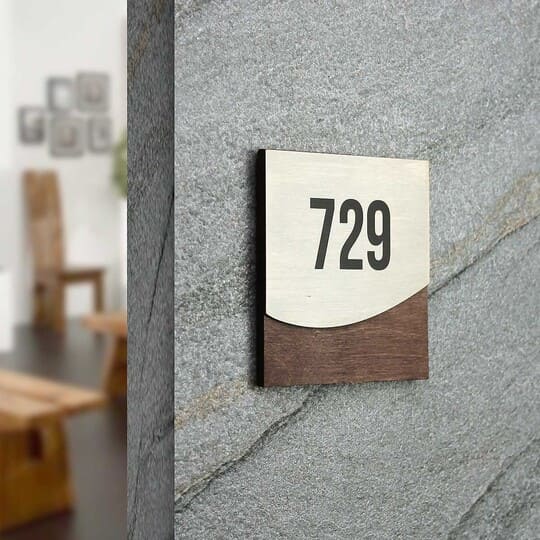
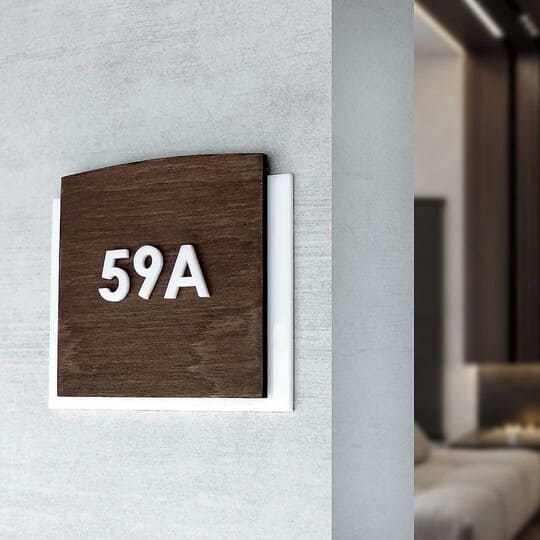
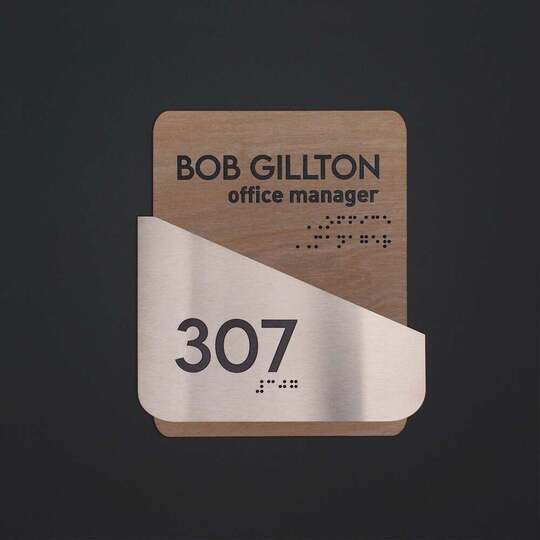
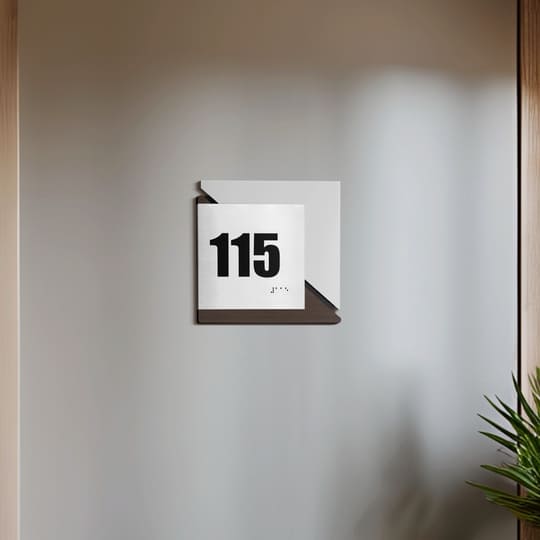
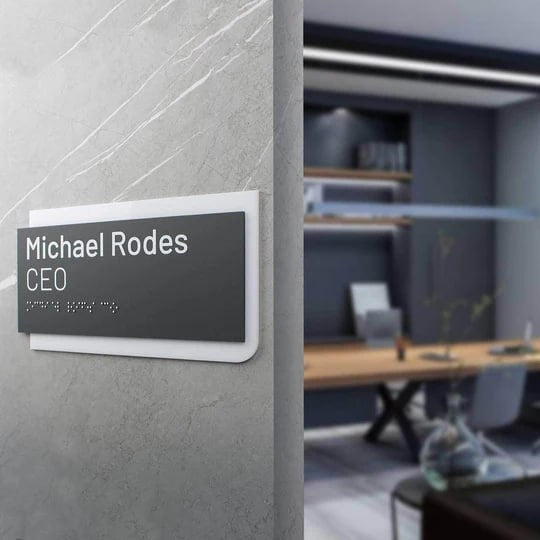
Example of contemporary office signs from the Elegant collection with strong contrast that improves visual navigation in the space:

How Clear Navigation Improves Team Efficiency and Visitor Experience
A workspace navigation system directly affects work efficiency by saving time and reducing cognitive load. When a person quickly finds the right area, they can immediately focus on tasks instead of spending energy searching or getting distracted. This is especially important in spaces with high visitor flow, where any delays multiply and affect the overall rhythm.
The logic is simple: clear signage → faster movement → fewer interruptions → higher productivity. The fewer people who need help or get lost, the more stable the team’s workflow becomes, with fewer interruptions to work processes.
Navigation clarity also makes users feel more comfortable. Visitors feel in control of the space, are confident in their actions, and don’t rely on outside help. This reduces the stress that often appears in a new environment and makes the stay more predictable and pleasant.
In modern coworking spaces, navigation efficiency is also tied to latest trends in office signs design that prioritize rapid information uptake. Minimalistic solutions, clear hierarchy, and visual simplicity help users orient themselves instantly without extra effort.
Best Signage Solutions for High-Turnover Coworking Spaces
Best signage for flexible workspaces is based on several principles:
-
• repeated navigation cues;
-
• consistent visual hierarchy;
-
• modular updates;
-
• contrast and legibility.
Wayfinding solutions should be predictable. Users shouldn’t have to think about the signage system — it should feel intuitive.
Why Wayfinding Signage Is a Core Infrastructure Element in Coworking Spaces
A working area orientation is an operational infrastructure that supports all processes in space. It does not function in isolation but supports users at every stage of their journey through space. From entry to finishing work, the system defines a clear sequence of actions and reduces the number of decisions the user must make independently.
If you break this process into stages, it becomes clear that every touchpoint requires navigation support. Without it, the user loses orientation and the space begins to function inconsistently.
|
Stage |
User action |
Navigation support |
|
Entry |
arrival |
reception directions |
|
Orientation |
finding a room |
directional signs |
|
Work |
using the space |
zonal signage |
|
Exit |
finishing work |
wayfinding signs |
Without this system, workplace flow management is disrupted and the working area becomes less efficient.
How to Design Navigation in a Coworking Space
To design navigation in a coworking, start by mapping user movement routes. It’s important to understand how people actually move: where they enter, where they pause, and which points cause uncertainty. Next, create office signage hierarchy: from general wayfinding to local identifiers.
Each level should complement the previous one rather than duplicate it. After that, select materials and a style that match the interior. The final stage is testing the system in real usage scenarios to identify places where people get lost or stop.
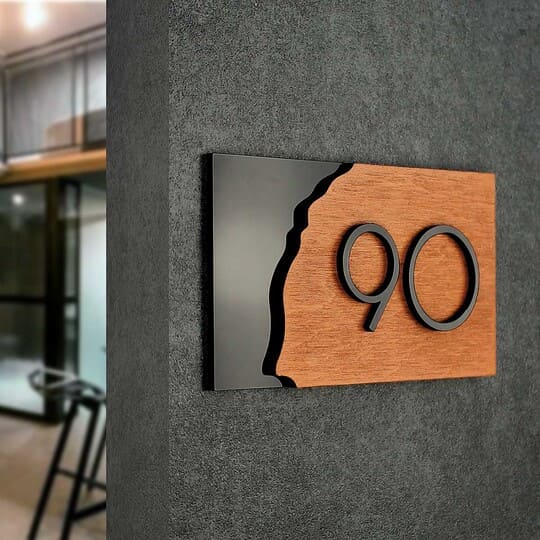
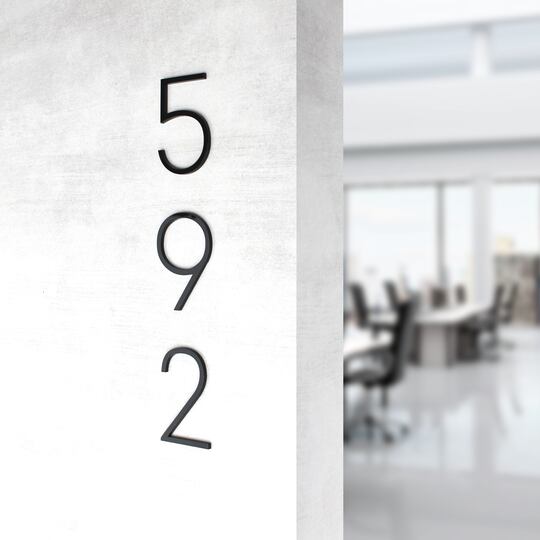
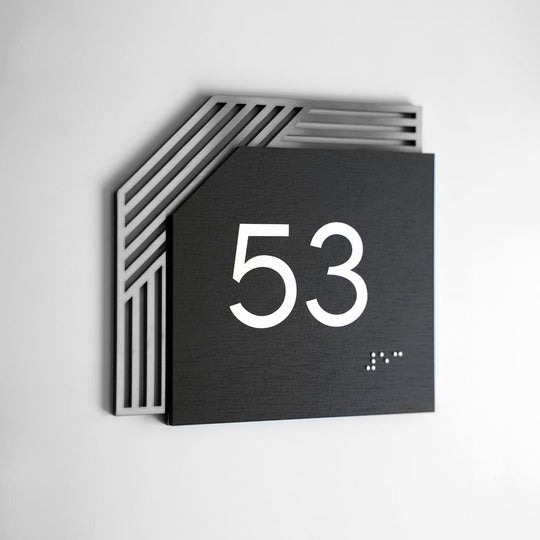
Example of functional signs from the Buro collection for marking zones in shared working areas:

How to Implement Navigation in Shared Offices
Shared workspace navigation should be simple, consistent, and easy to follow for any user, even on their first visit. The system must be built around key points — entrances, movement nodes, and functional zones — to guide people step by step.
In flexible layouts without assigned desks, signage should use universal labels that describe the function of spaces rather than specific users. This keeps navigation clear despite constant changes.
Each sign should communicate one idea only, avoiding information overload. Combined with consistent placement and clear directional cues, this creates an intuitive system that reduces confusion and helps users navigate the space without assistance.
Effective Signs for Coworkings and Flexible Offices
The most effective elements combine functionality and design. They must be legible, high‑contrast, and logically placed. Information should be readable within seconds without effort.
Materials should suit the interior and be durable so the system looks consistent over time. Such wayfinding creates a cohesive system rather than a set of isolated elements and functions as a unified structure.
How Modular Signs Help Flexible Offices
Modular signs allow information to be changed without replacing the entire system. This is especially important for offices with shifting layouts where room names or zone functions change. They cut costs and simplify space management.
Additionally, these solutions allow for quick responses to changes without breaking the overall style. As a result, orientation remains relevant even with frequent changes.
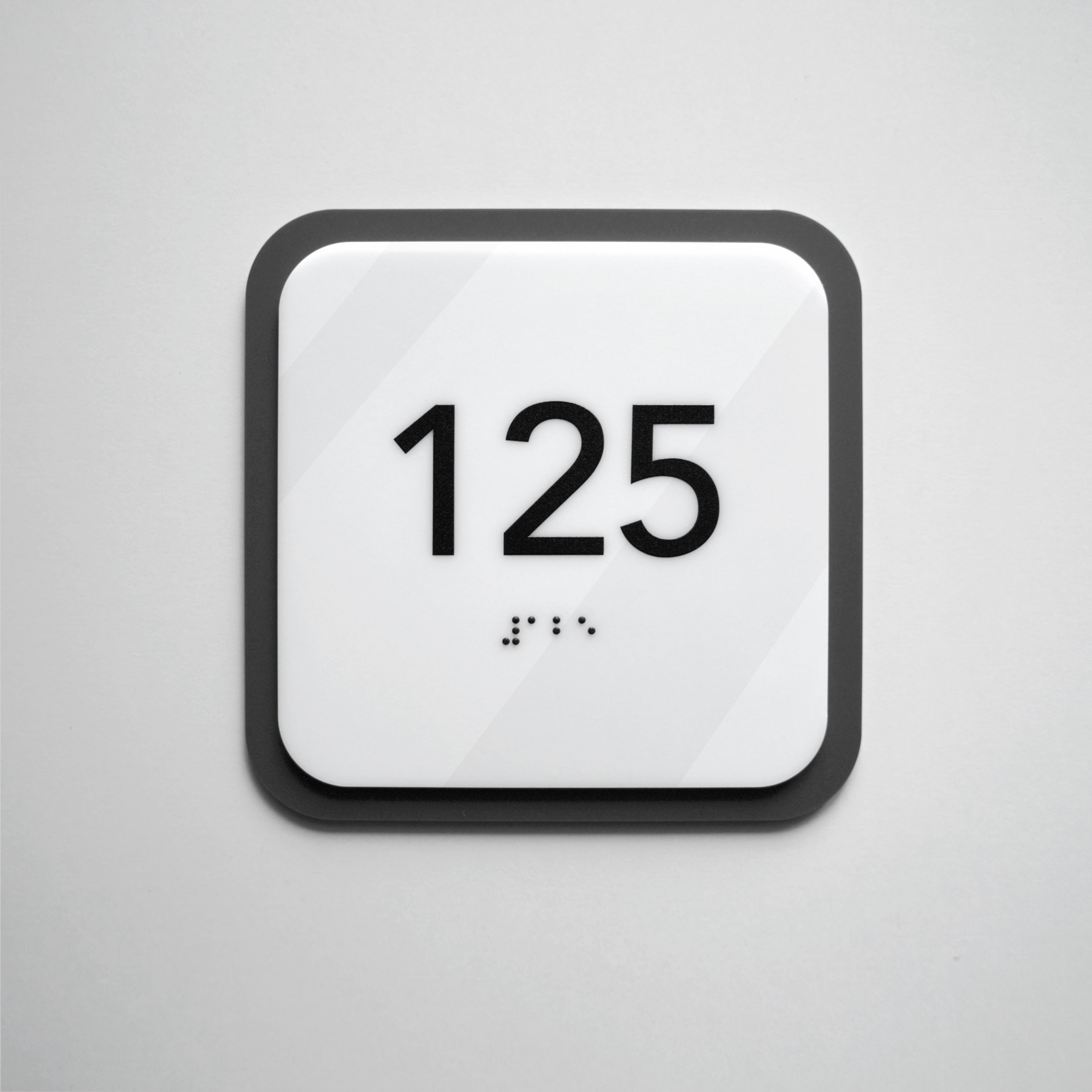
Example of concise signs from the Clear collection designed for quick orientation in a dynamic office environment:

Common Wayfinding Mistakes in Coworking Spaces
Even a well-designed space can function inefficiently if the orientation system is implemented incorrectly. The most common issues include:
-
• Lack of a unified logic for sign placement;
-
• Small or hard‑to‑read text;
-
• Information overload;
-
• Mixing sign styles without a system;
-
• Absence of directional indicators.
These flaws increase orientation time, create confusion, and raise the number of questions — all of which directly reduce the space’s operational efficiency.
A Space That Works Without Explanation
A well‑designed wayfinding system makes a coworking space a place where people don’t get lost, pause unnecessarily, or ask for directions. Movement becomes intuitive: from entry to desks, from meeting room to exits. Such a system lets you manage high team turnover without chaos or loss of productivity.
Wayfinding elements play a much bigger role than it may seem at first glance. They structure movement, set the pace, and maintain the space’s logic even when the layout changes frequently. If the system is well thought out, users won’t notice it; if it isn’t, the issues become immediately apparent.
Therefore, it’s important not just to install signs but to design a coherent system that performs in real flexible‑office conditions.
If navigation needs to be created or updated, start with a professional approach. The Bsign team helps develop solutions tailored to specific environments — from concept to implementation. Sign up for a consultation and you’ll get a system that not only looks good but also works — clearly, reliably, and without wasting users’ time.
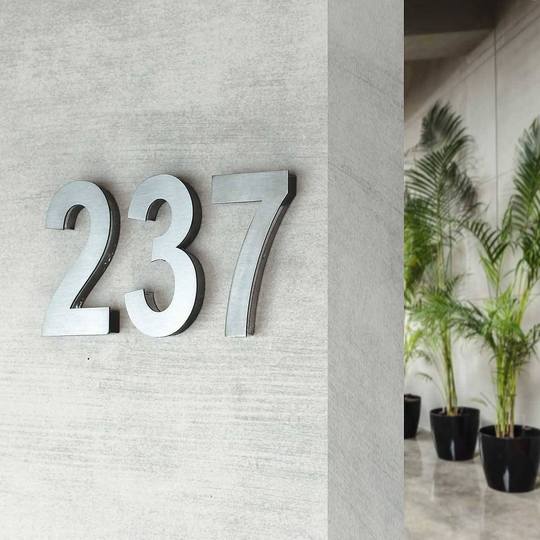
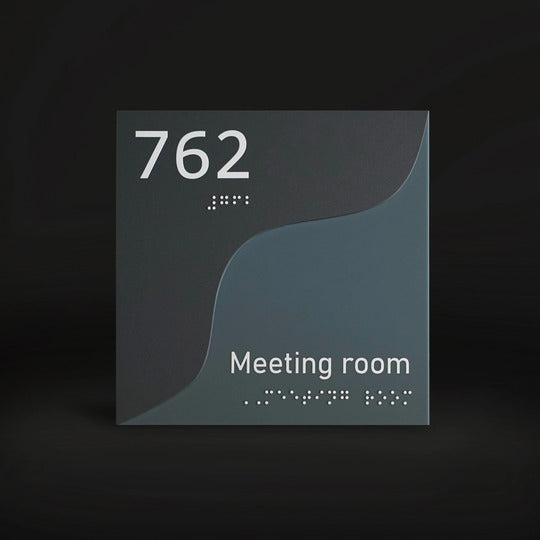
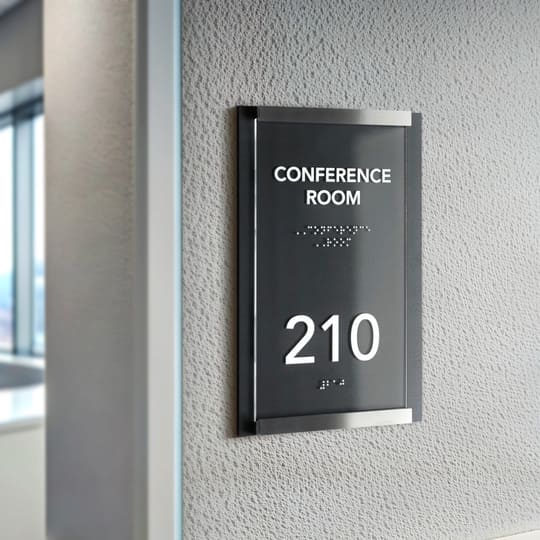
Example of calm-toned wayfinding signage from the Gray Calm collection that supports intuitive navigation in modern coworking spaces:

FAQ
What signage is required in coworking spaces?
You need directional signs for meeting rooms, workstations, zones, and movement flow. Together they form a coworking office navigation system that covers all use scenarios. Without a full set, the system becomes fragmented and confusing.
How to organize navigation in a shared office?
Define movement routes and create a hierarchy of signs from general wayfinding to local labels. Ensure consistent style, size, and placement logic so the system is self‑explanatory.
What wayfinding signage is effective in coworking and flexible offices?
Effective elements are legible, high‑contrast, and well‑placed. They must be instantly readable and avoid overloading users with information. The best results come from a system where all elements are coordinated.
How does modular signage improve flexibility?
Modular signs allow quick updates of information without replacing the entire structure. This reduces costs and simplifies space updates. As a result, navigation remains relevant even with frequent layout changes.
How to maintain clarity in hot desk environments?
Use functional zone labels instead of personal identifiers. Add clear directional signs and maintain a single system logic. This helps users orient themselves fast, even in unfamiliar settings.
What materials work best for coworking signage?
Wood, acrylic, and stainless steel work best. They combine durability, ease of use, and compatibility with contemporary interiors. The final choice should match the space’s style and the expected level of wear and tear.
How to manage navigation in flexible workspaces?
Use flexible workspace signage and plan for quick information updates. Preserve the overall structure and consistent placement of elements so the system can be adapted without a full redesign. This lets you update the navigation quickly while keeping the user experience stable.


